# Bambu Lab A1 Common Issues: Things You Should Do Before Any Serious Print
These are issues i've experienced and want to take note.
#### Calibration: Calibrate Your Filament Before Usage
Learn [here](https://www.youtube.com/watch?v=_gIcBaxy-To)
[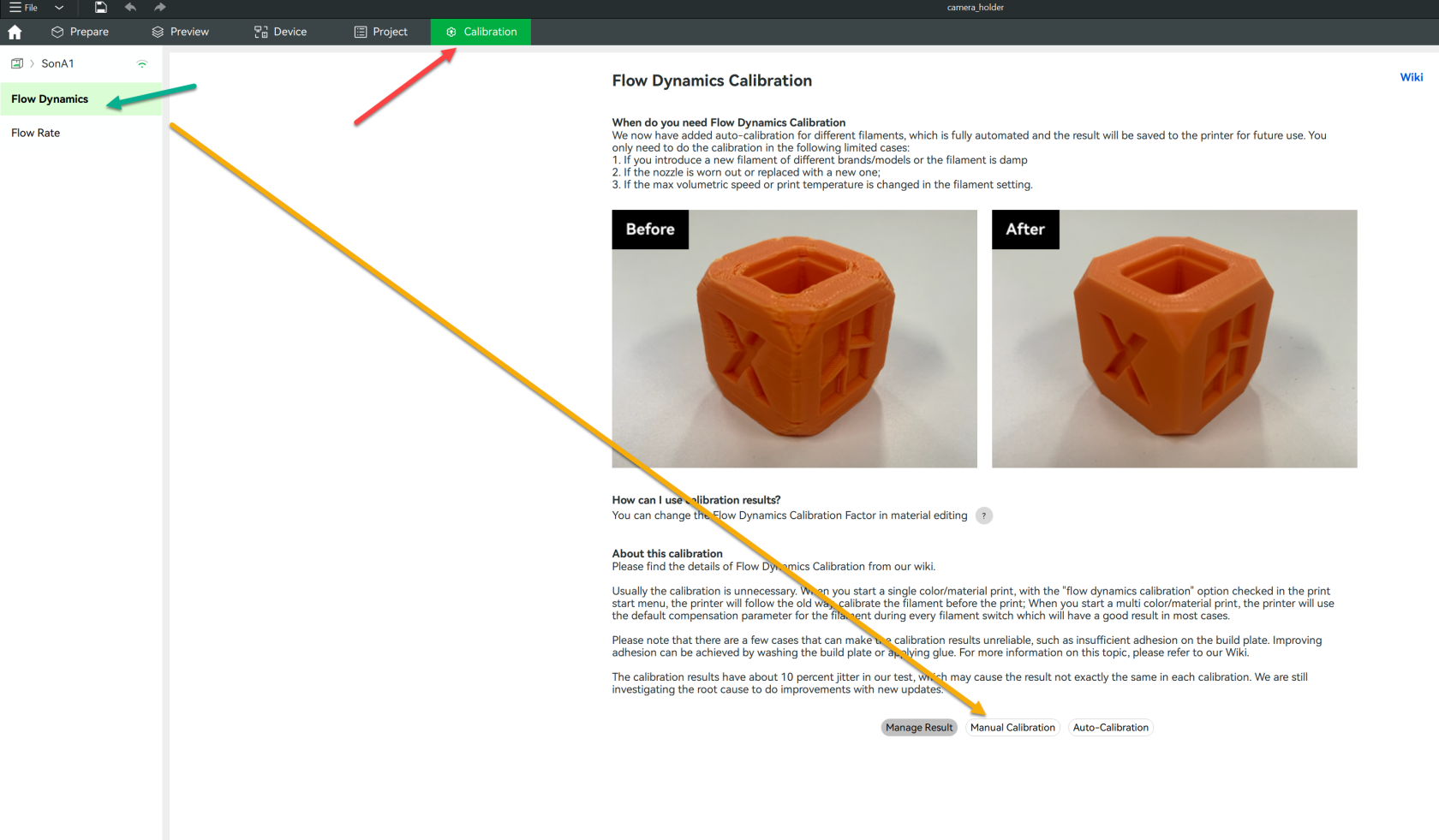](https://wiki.kyluat.com/uploads/images/gallery/2025-05/OTAimage.png)
Change the K Value to : 0.03 and the value step: 0.001
[](https://wiki.kyluat.com/uploads/images/gallery/2025-05/Amgimage.png)
Pick the best line which has good k factor for the printer
[](https://wiki.kyluat.com/uploads/images/gallery/2025-05/img-8201.jpeg)
[](https://wiki.kyluat.com/uploads/images/gallery/2025-05/img-8208.jpeg)
The above are two filament , one wood color filament is PLA on my P1S printer, and one gray color is PETG on A1 Printer.
It's hard to tell the differences between the lines so take a look carefully around 0.02 to 0.018 , you will see the differences between them and other lines. Once you've seen it, please take the value and fill in the Calibration Page on Bambu Studio , and give it a good brand name of the filament to record it and use it in the future.
My choice of K factor of A1 , Petg Filament by Kingroon is 0.03 and PLA filament by Kingroon for P1S printer is 0.019
[](https://wiki.kyluat.com/uploads/images/gallery/2025-05/V6iimage.png)
After you've updated your filament k factor on the device, please proceed to the flow calibration.
Same thing with the flow calibration:
[](https://wiki.kyluat.com/uploads/images/gallery/2025-05/Uvtimage.png)
Adjust your flow ratio in the project filament and save it.
[](https://wiki.kyluat.com/uploads/images/gallery/2025-05/aJlimage.png)
for A1's Kingroon PETG, k factor: 0.03, flow ratio: 0.9975
for P1S's Jamg He PLA Matte, The value of K Factor is still 0.019 and with flow ratio is 0.98
P1S's Kingroon PLA Matte, k factor: 0.019 and flow ratio is 1.029
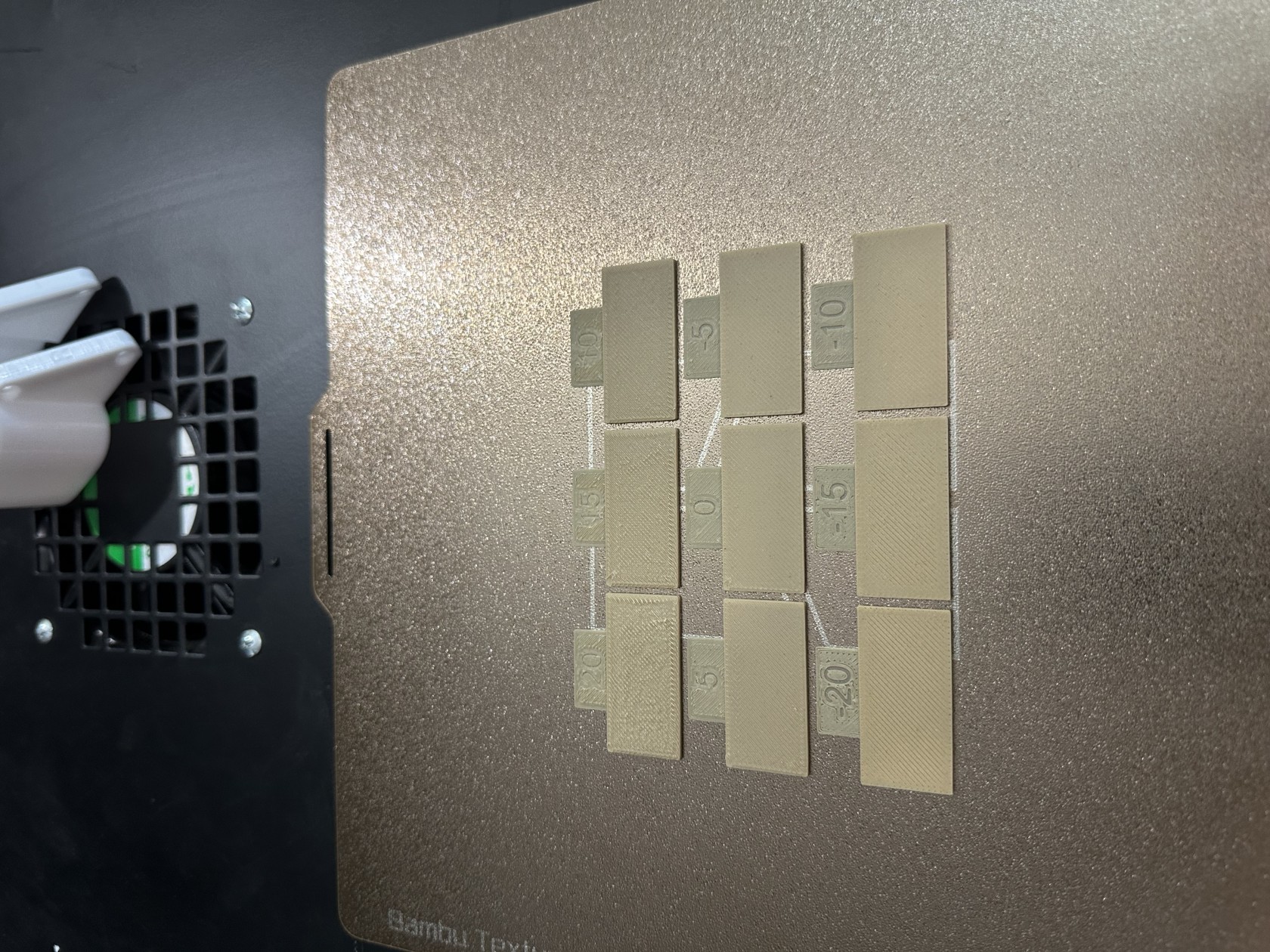
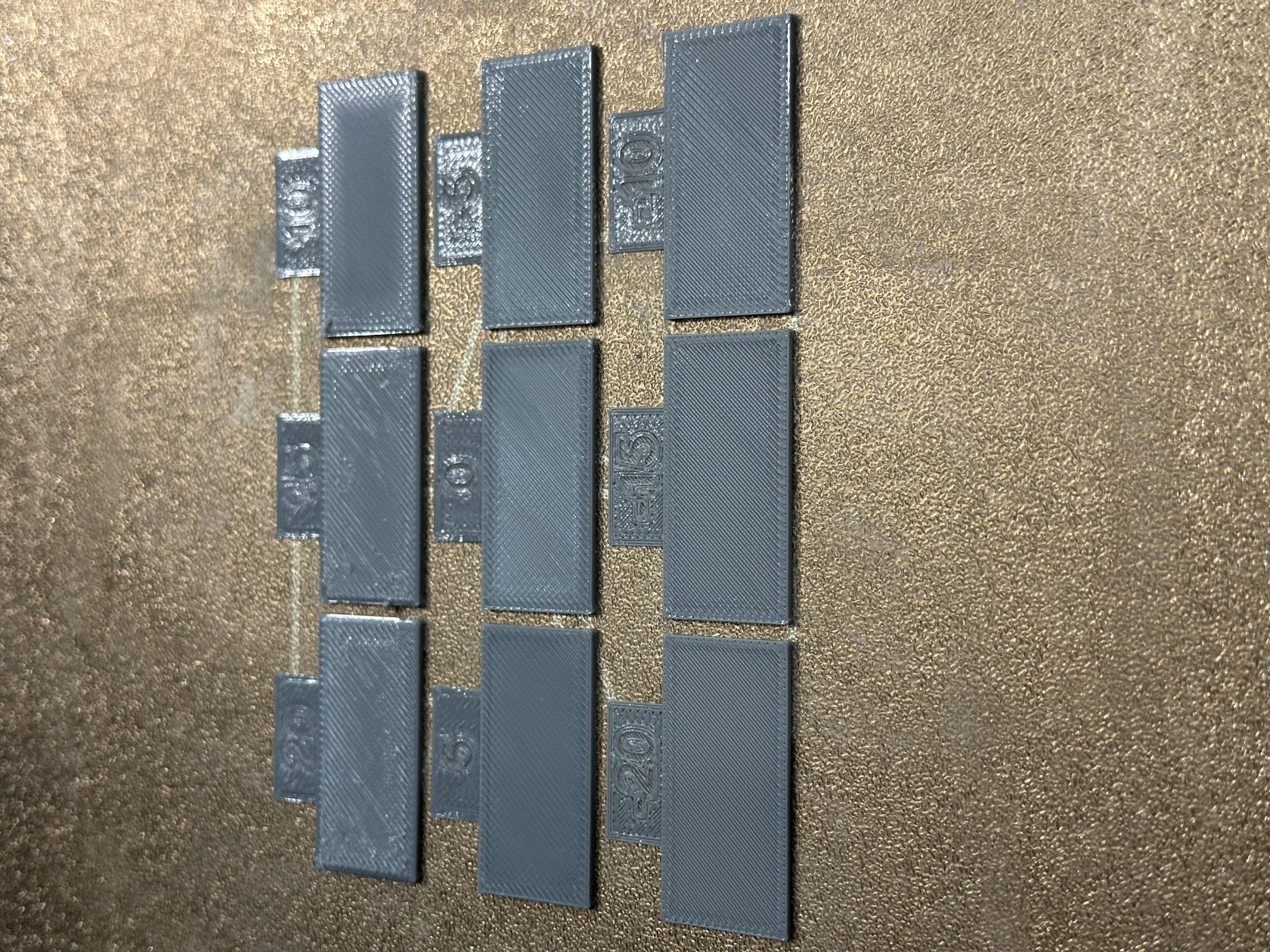
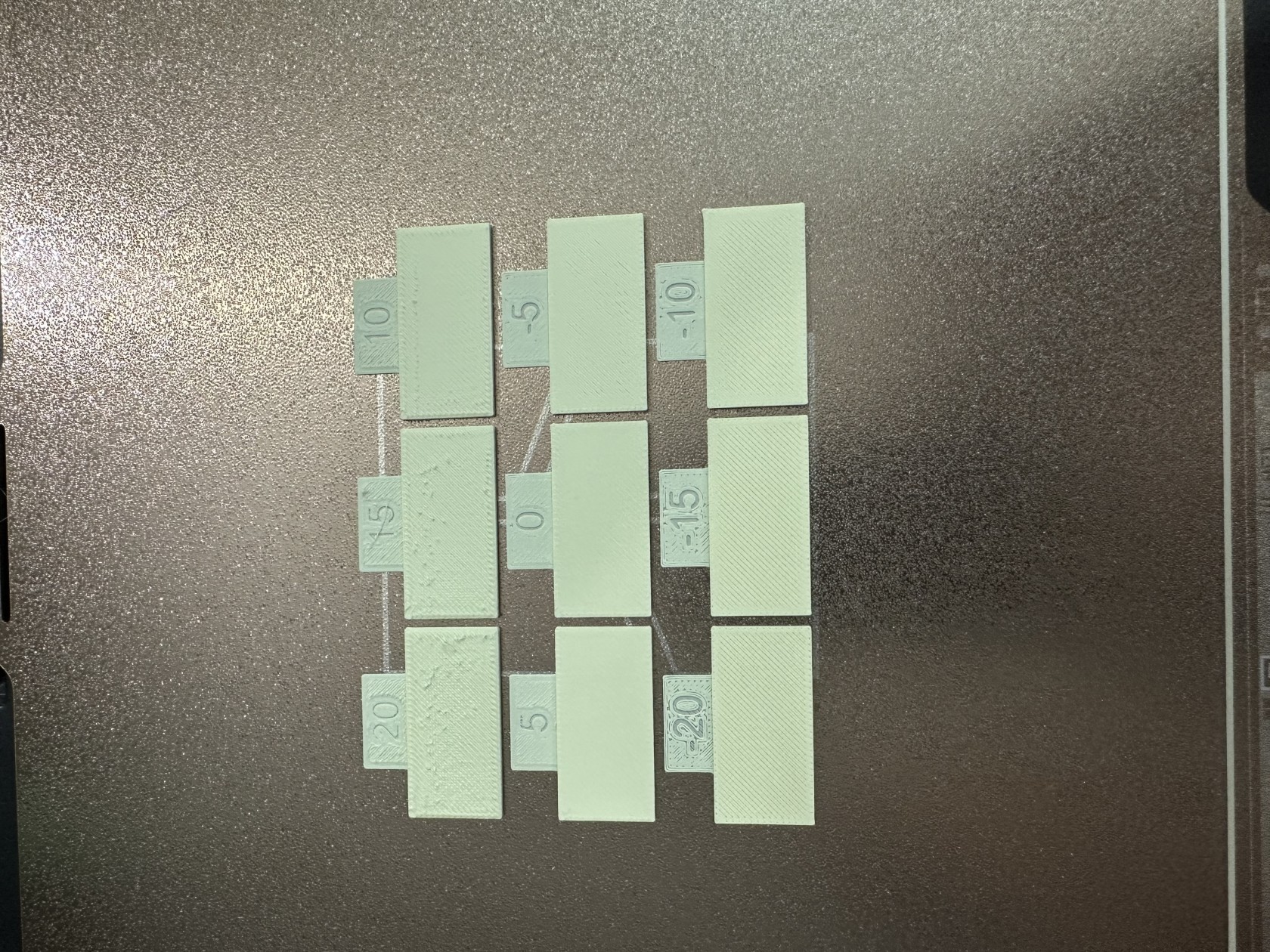
Here are some screenshot that i took to measure the surface by:
- Take a look with different angle with your lightning room
- Touch and feel the surface
- Use your phone to focus and zoom in to see the lines on the surface.
[](https://wiki.kyluat.com/uploads/images/gallery/2025-05/img-8213.jpeg)
[](https://wiki.kyluat.com/uploads/images/gallery/2025-05/img-8219.jpeg)
[](https://wiki.kyluat.com/uploads/images/gallery/2025-05/img-8248.jpeg)
Pick the best one and save the record!
#### Too low Z Offset / Wrong Temp for PETG
Problem with Z Offset + Temperature + Max Volumetric speed
If your z offset is too far or too close , it could cause the rough surface. Thats why when you need to know how to benchmark the z offset by 0.025 each setting , you can increase the number or decrease it.
========
z offset increase/decease settings could be ...0.06, 0.04, 0.02, 0, -0.02, -0.04, -0.06...
[](https://wiki.kyluat.com/uploads/images/gallery/2025-05/2qFimage.png)
Filament: **PETG**
Printing Speed Mode: Luminous
Z Offset: 0.06 / or could decrease by 0.05 if you want to test best fit for more filament
Temp: 265
Max Volumetric Speed: 12 mm3/s
[](https://wiki.kyluat.com/uploads/images/gallery/2025-05/0wAimage.png)
[](https://wiki.kyluat.com/uploads/images/gallery/2025-05/C55image.png)
```bash
;===== for Textured PEI Plate , lower the nozzle as the nozzle was touching topmost of the texture when homing ==
;curr_bed_type={curr_bed_type}
{if curr_bed_type=="Textured PEI Plate"}
G29.1 Z{0.06} ; for Textured PEI Plate
{endif}
```
Result: Good Print Surface
[](https://wiki.kyluat.com/uploads/images/gallery/2025-05/Ijqimage.png)
PLA
Z offset: 0.03